
Self-Service LDAP Management with ldap-passwd-webui
Note
TL;DR
ldap-passwd-webui is a lightweight web-based interface for managing LDAP and Active Directory passwords, forked and maintained by Amarula Solutions.
Provides self-service password changes and admin user/group management with Material Design 3 and comprehensive security.
Why a Web-Based LDAP Password Manager?
Managing LDAP credentials in an organization typically requires either
administrator intervention — someone with cn=admin bind credentials and a
desktop LDAP client — or deploying a heavyweight platform like FreeIPA or
389 Directory Server. For many teams, neither option is ideal.
Amarula Solutions maintains internal LDAP directories for authentication across development infrastructure: Gerrit, Jenkins, wiki, and development servers. When engineers need to change their passwords, or when project leads need to manage group memberships for access control, the process should be:
Fast — no ticket required, no admin action needed.
Secure — proper authentication, rate limiting, and audit trails.
Accessible — works from any device, including mobile.
ldap-passwd-webui meets all three requirements in a Python application that weighs in at under 1,000 lines of code.
How It Works
Architecture
The application is built on a deliberately minimal stack:
Bottle micro web-framework — single-file WSGI app, no Django overhead.
ldap3 library — pure-Python LDAP client with full RFC compliance.
Material Design 3 — CSS custom properties, no JavaScript framework.
Jinja2-derived templates via Bottle’s built-in
.tplengine.
The application flow is straightforward:
Welcome page (
/) — navigation cards for end-user password change and administrator login.Self-service password change (
/change-password) — does not require authentication beyond the user’s current LDAP credentials.Admin login (
/login) — LDAP bind authentication with group membership check. Only members of the configured admin group can access the dashboard.Admin dashboard (
/admin) — session-protected interface with tabs for password change, user CRUD, and group CRUD.
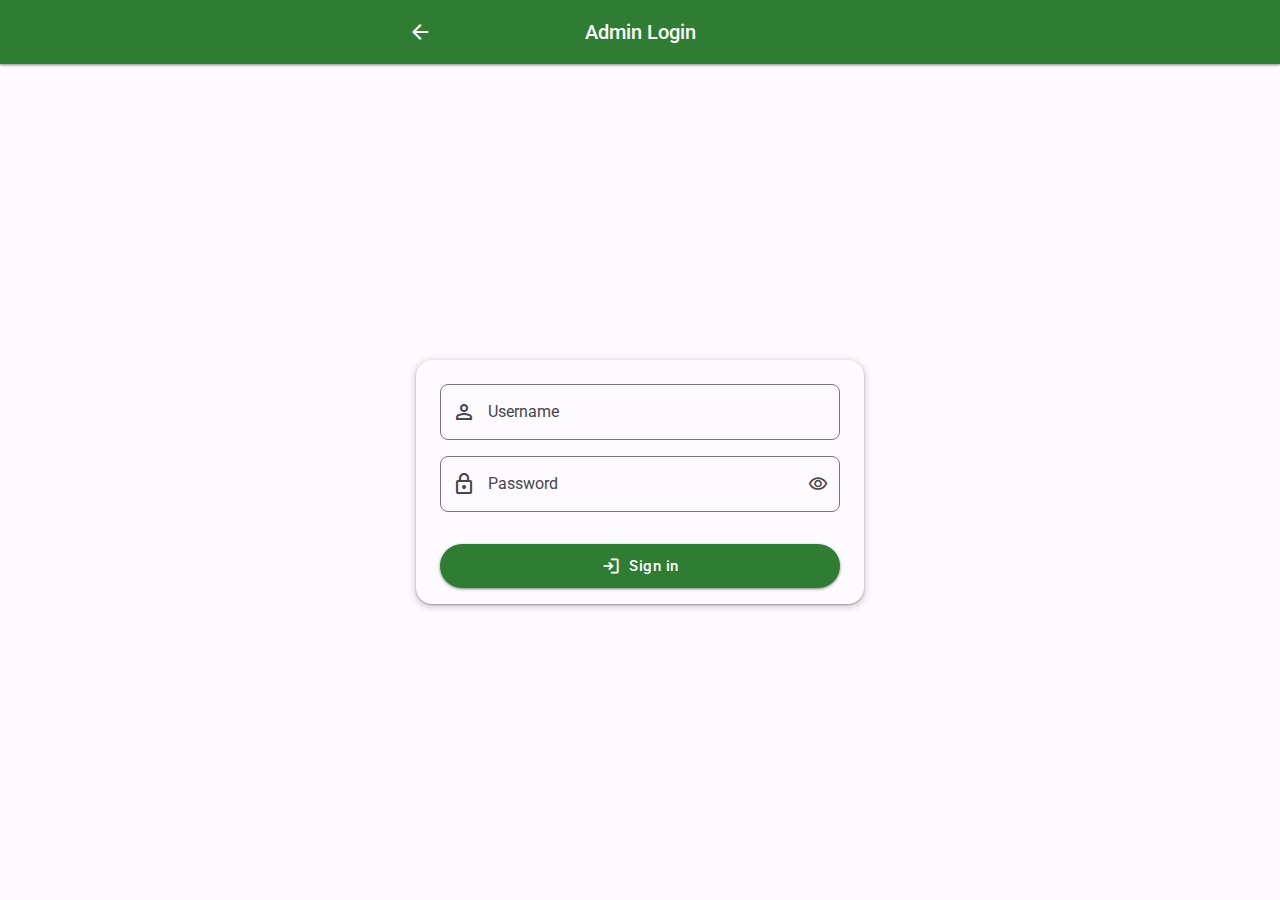
Admin login — authenticated via LDAP bind
Multi-Server Password Synchronization
A key design feature is atomic password changes across multiple LDAP servers. When a user changes their password, the application attempts to update the password on every configured LDAP server. If any server fails after some have already been updated, the application rolls back all changes to maintain consistency. This is critical in environments with replica LDAP servers or separate directory instances for different services.
Security Implementation
The application was designed with security hardening from the start. Notable measures include:
CSRF protection via cryptographically signed tokens in SameSite-strict cookies.
Rate limiting — 5 requests per IP and 10 per username per minute, implemented in-memory with a sliding window.
LDAP injection prevention — all usernames are escaped per RFC 4515.
Log sanitization — usernames are logged only as a SHA-256 prefix hash, preventing credential leaks in application logs.
See the product documentation page for the complete security table and deployment guide.
Why Amarula Maintains This Fork
The upstream project by Jakub Jirutka is well-designed, but Amarula needed several enhancements:
Extended LDAP schema support for internal directory structures.
Additional security hardening beyond the upstream defaults.
Integration with internal provisioning scripts and Ansible automation.
Rather than maintaining private patches, Amarula follows its upstream-first principle: the fork is public, MIT-licensed, and any improvements are available for the community to use and contribute back to.
The source code is available on GitHub: amarula/ldap-passwd-webui
Tip
Managing LDAP authentication across your development infrastructure? Amarula Solutions offers LDAP integration consulting, deployment automation, and custom feature development for ldap-passwd-webui. Contact our infrastructure team